
How do you play Color Sudoku?
Fill the 9×9 board so every color appears exactly once in each row, each column, and each 3×3 box. It is classic Sudoku logic represented with nine distinct colors instead of the numbers 1 through 9.
A new way to see Sudoku
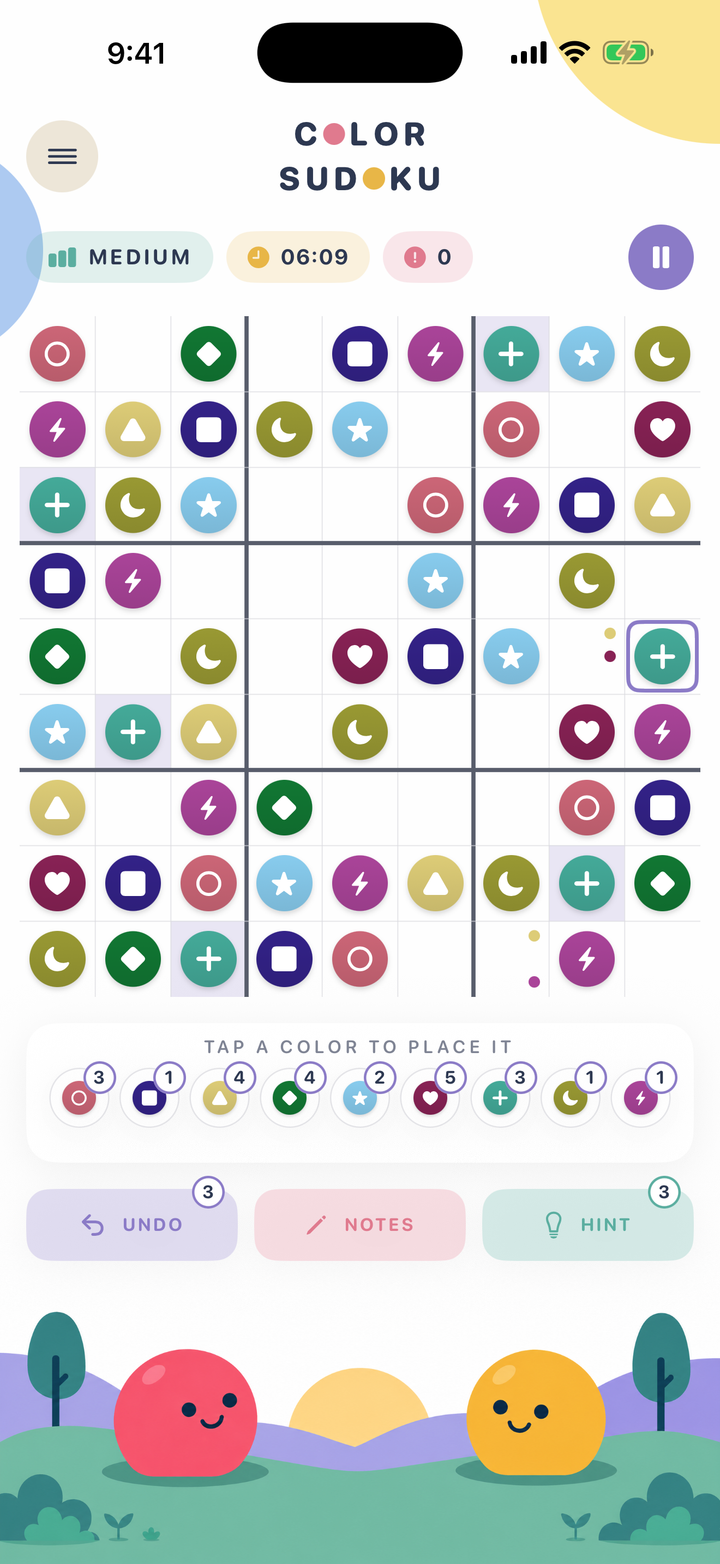
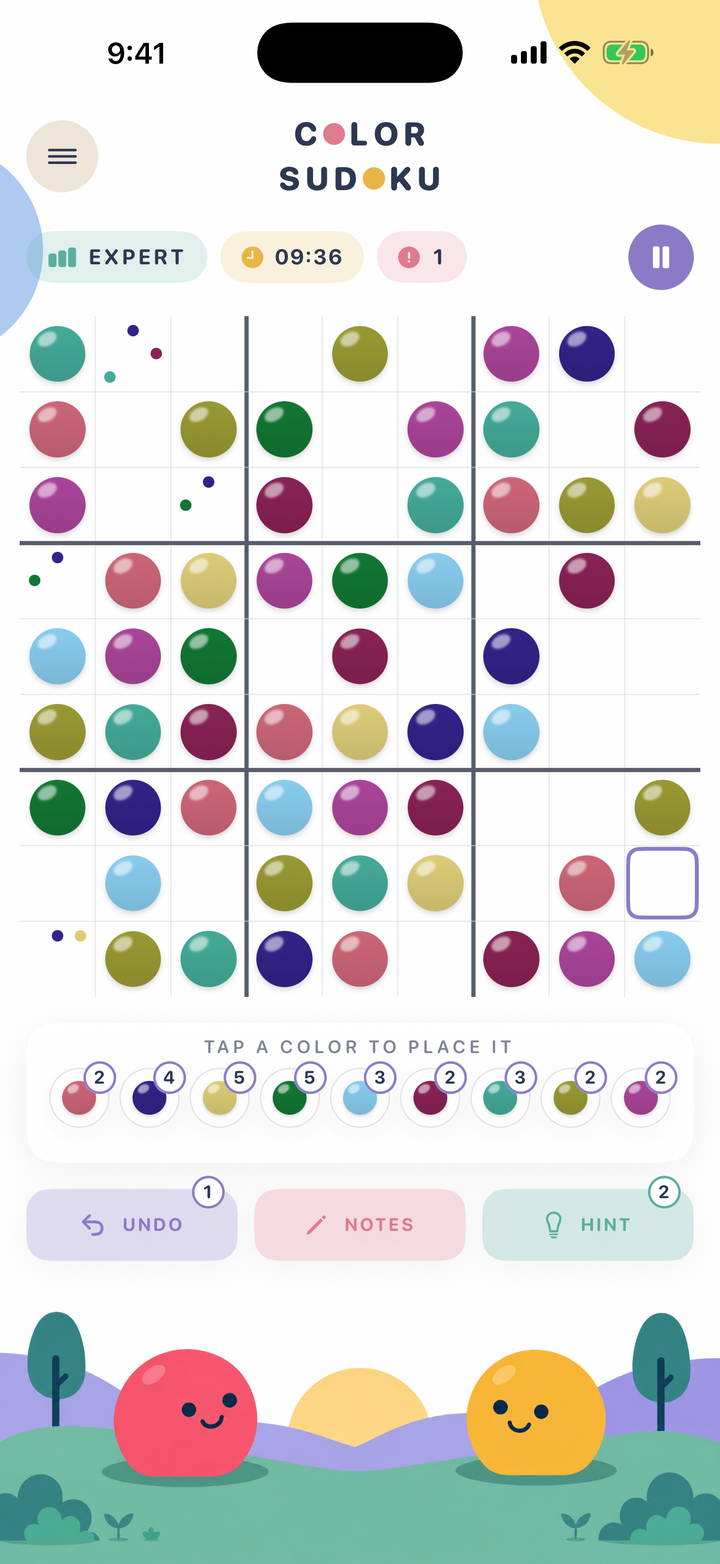
Use nine colors instead of 1–9. Every color appears once in each row, column, and 3×3 box.
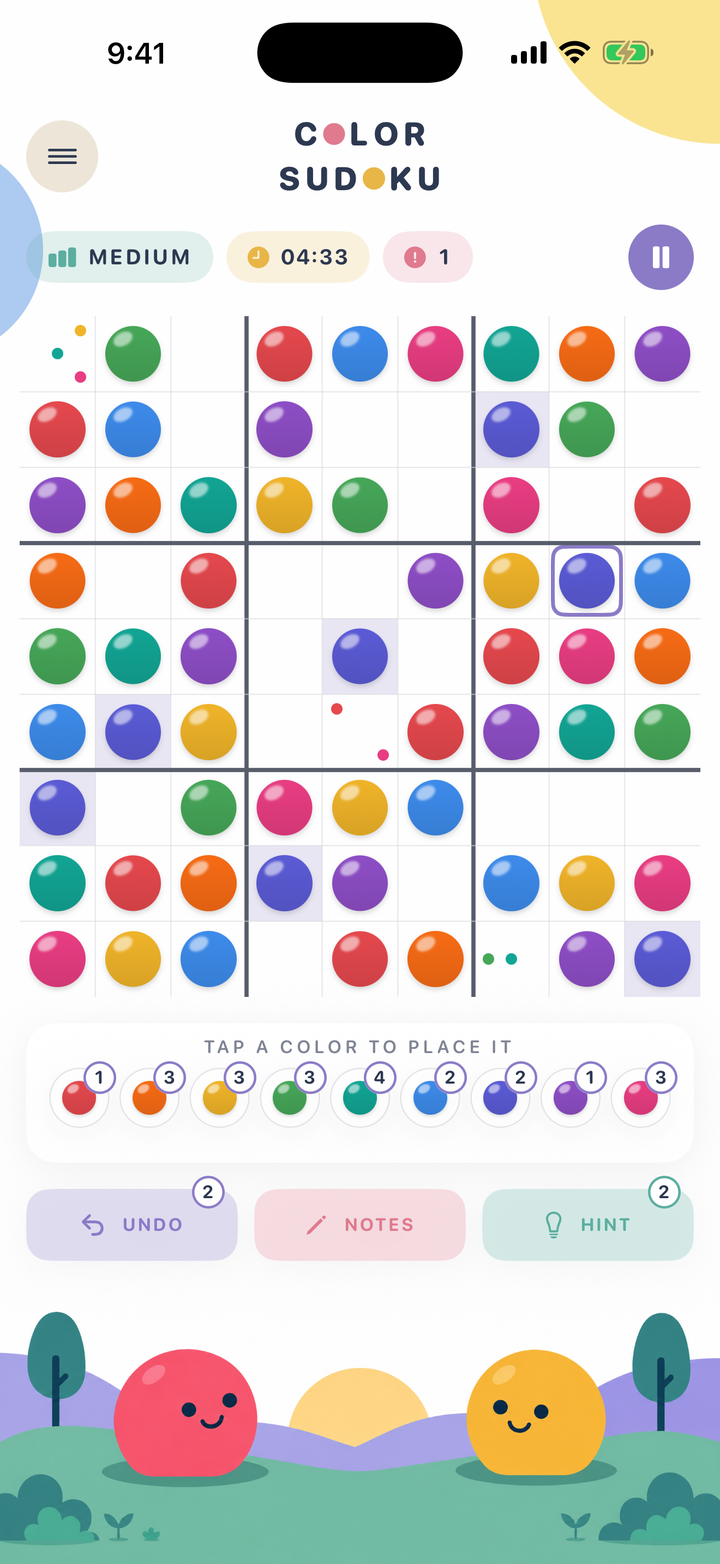
Tap a color to place it
Classic logic, translated
Play your way
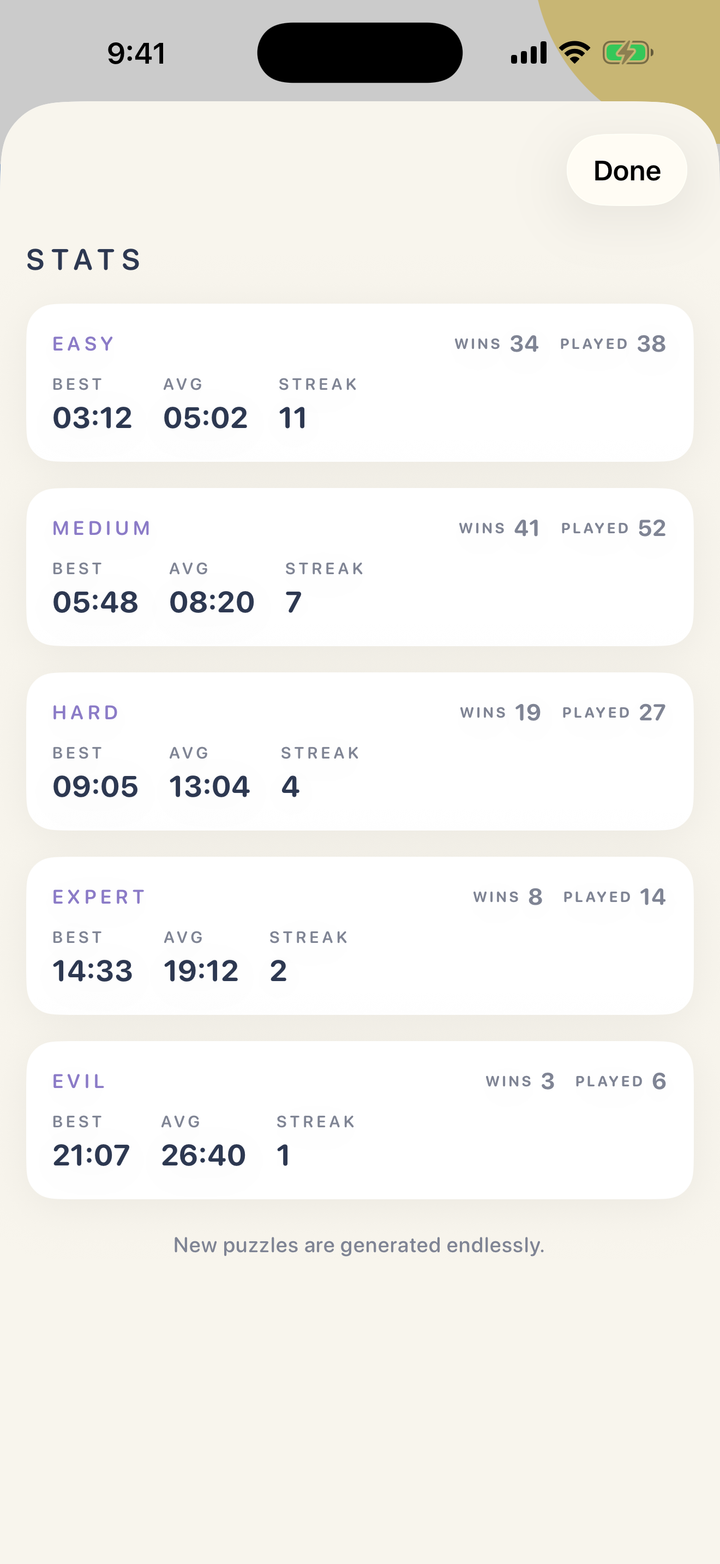
Choose a challenge, keep track of possibilities, and see your progress—all without an account or connection.
Color is never the only cue
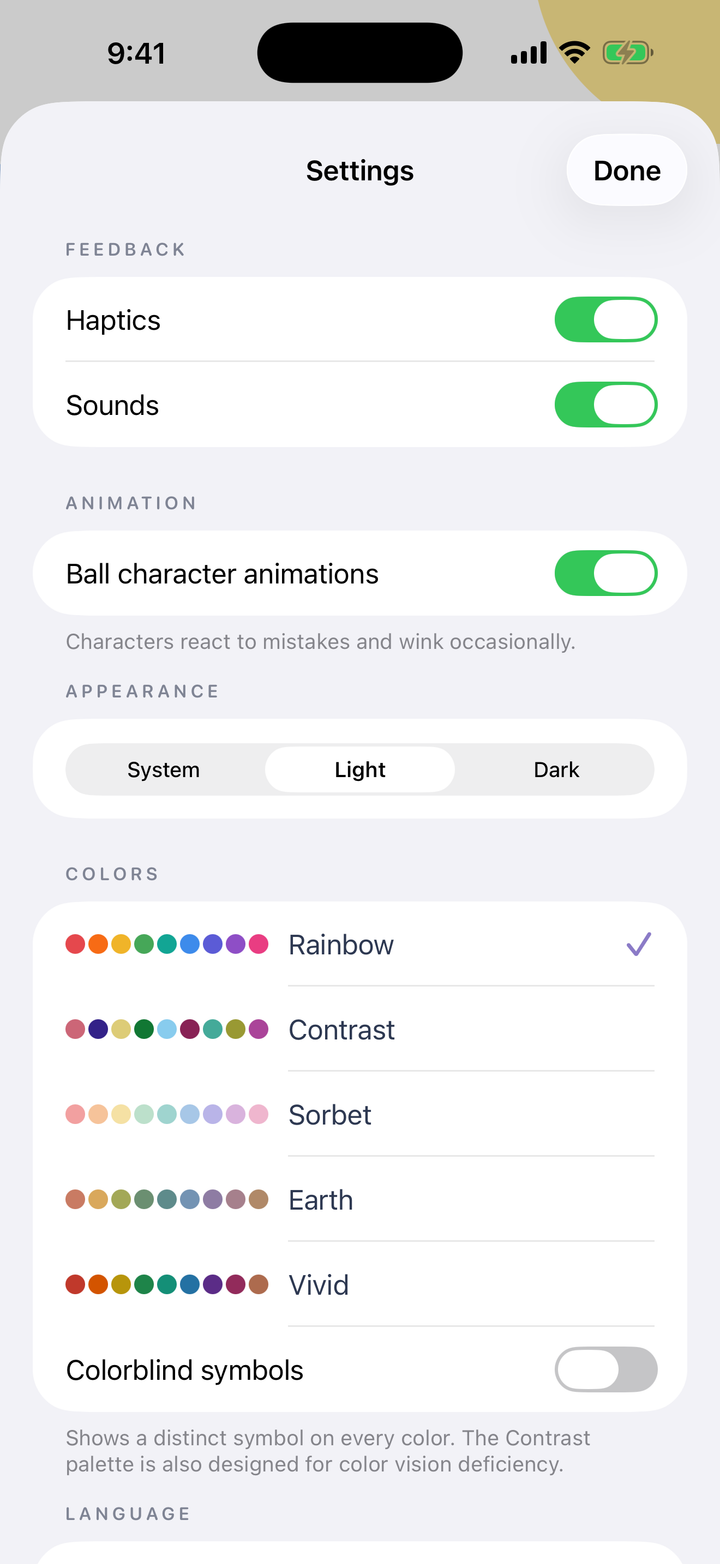
Turn on distinct symbol overlays so every color has a second identity. Or use the dedicated Contrast palette for color-vision-safe differentiation.
Make it yours
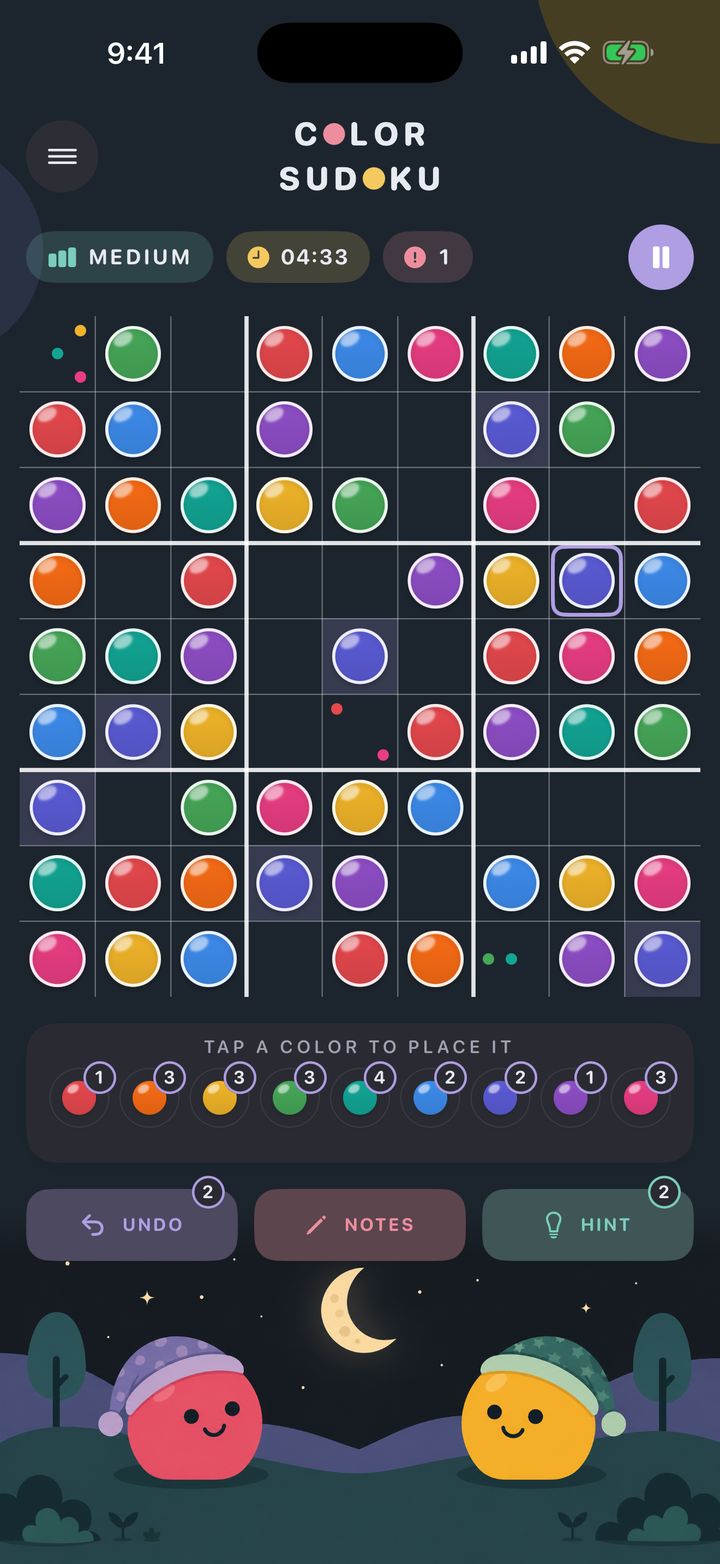
Choose Rainbow, Contrast, Sorbet, Earth, or Vivid. Color Sudoku follows your device appearance and is built for both iPhone and iPad.
Available now
Download Color Sudoku for iPhone and iPad. Play offline anytime with five difficulties, notes, hints, undo, and accessible color palettes.
Quick answers
Fill the 9×9 board so every color appears exactly once in each row, each column, and each 3×3 box. It is classic Sudoku logic represented with nine distinct colors instead of the numbers 1 through 9.
No. The logic, deduction rules, and puzzle structures are identical to traditional Sudoku. Because Sudoku has never required math, arithmetic, or counting, substituting nine colors for the digits 1 through 9 preserves 100% of the authentic puzzle logic while engaging visual and spatial pattern recognition.
The underlying difficulty matches classic Sudoku across all five levels from Easy to Evil. However, many players find colors more intuitive and relaxing because they eliminate math anxiety, while advanced players find that visual scanning across the board engages spatial pattern recognition differently than reading numerals.
Yes. Color Sudoku works offline after it is installed. Games do not need an account, an internet connection, or a remote server.
Yes. Your current game, settings, and statistics are saved locally on your device so you can continue later. The app does not provide cloud sync.
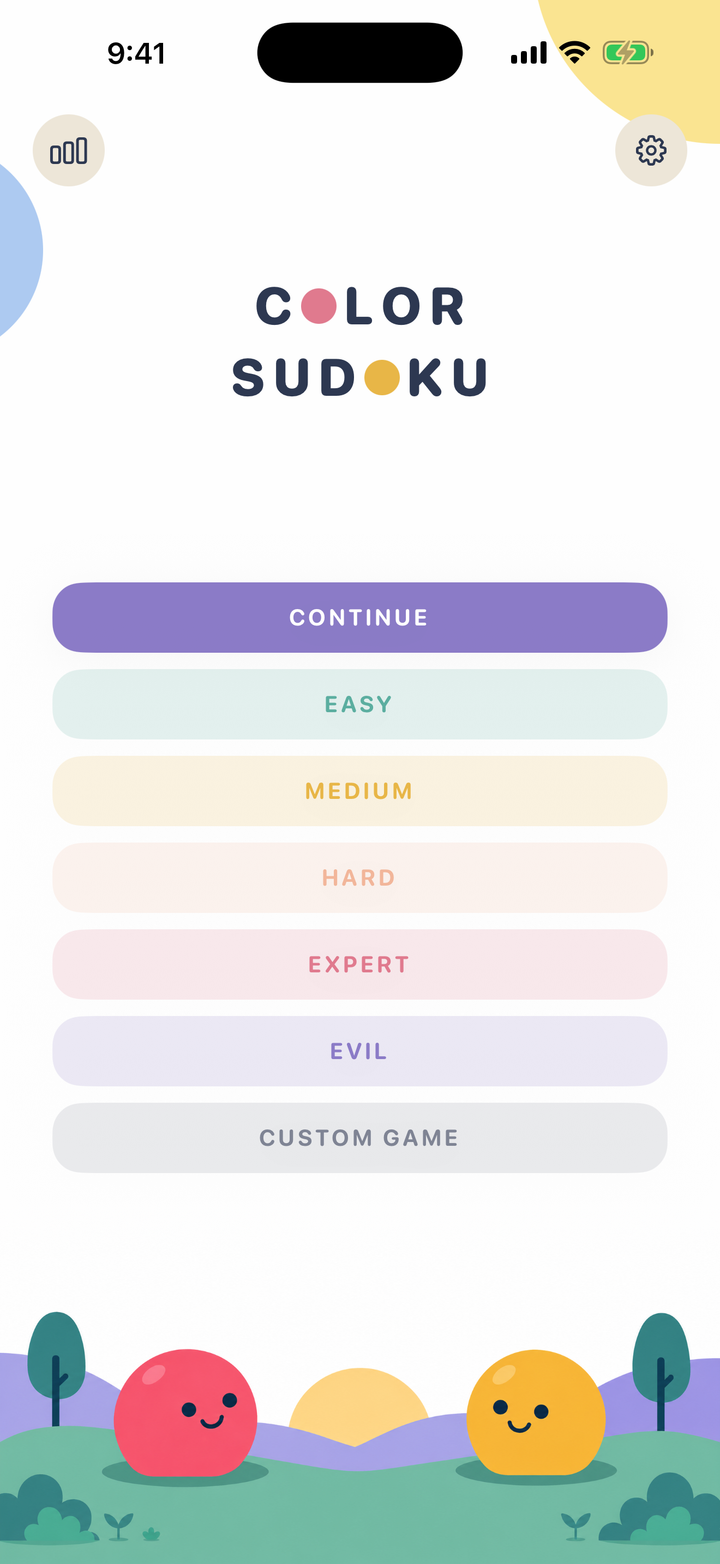
Color Sudoku includes Easy, Medium, Hard, Expert, and Evil difficulties. You can also create a custom game.
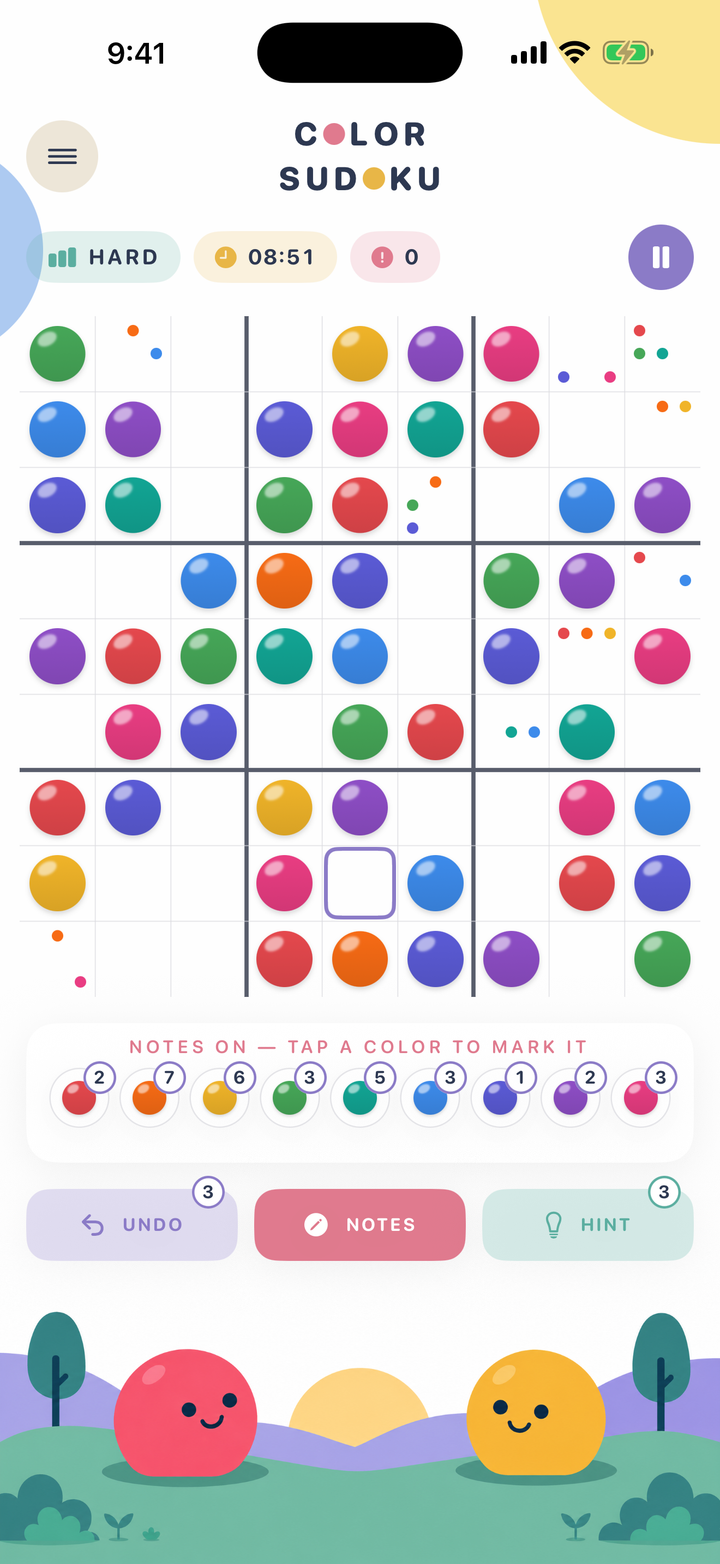
Yes. Use notes to mark possibilities, request a hint when you are stuck, and undo recent moves while solving.
When you tap the Notes button, you can place smaller candidate color dots inside an empty square. As you fill surrounding cells with confirmed colors, conflicting candidate notes automatically clear to help you narrow down your choices.
Yes. A symbol overlay gives every color a distinct shape, and the Contrast palette is designed for color-vision-safe differentiation. Both options can be changed in the app’s appearance settings.
Color Sudoku is designed for iPhone and iPad running iOS 17 or later.
Yes. Color Sudoku is particularly approachable for beginners and kids because there are no intimidating digits or math connotations. The basic concept of 'no duplicate colors in a row, column, or box' can be learned in seconds.
No. Color Sudoku has zero third-party advertising, zero analytics trackers, and zero user data collection. Your gameplay remains completely private on your own device.
Yes. In custom games, you can adjust assist features like error highlighting, auto-clearing notes, selection highlights, and lives to tailor the experience to your solving style.
Email [email protected] with what happened, what you expected, your device model, and iOS version. A screenshot and the steps that led to the problem are helpful, but never send information you consider sensitive.